AI dashboard experience improvements for Workers AI and AI Gateway
Workers AI and AI Gateway dashboard has been improved with a dedicated top-level sidebar section, simplified onboarding for gateways, better code example customization, enhanced route builder performance, and improved accessibility. These changes help users get started faster and manage AI workloads more easily.
Workers AI and AI Gateway have received a series of dashboard improvements to help you get started faster and manage your AI workloads more easily.
Navigation and discoverability
AI now has its own top-level section in the Cloudflare dashboard sidebar, so you can find AI features without digging through menus.
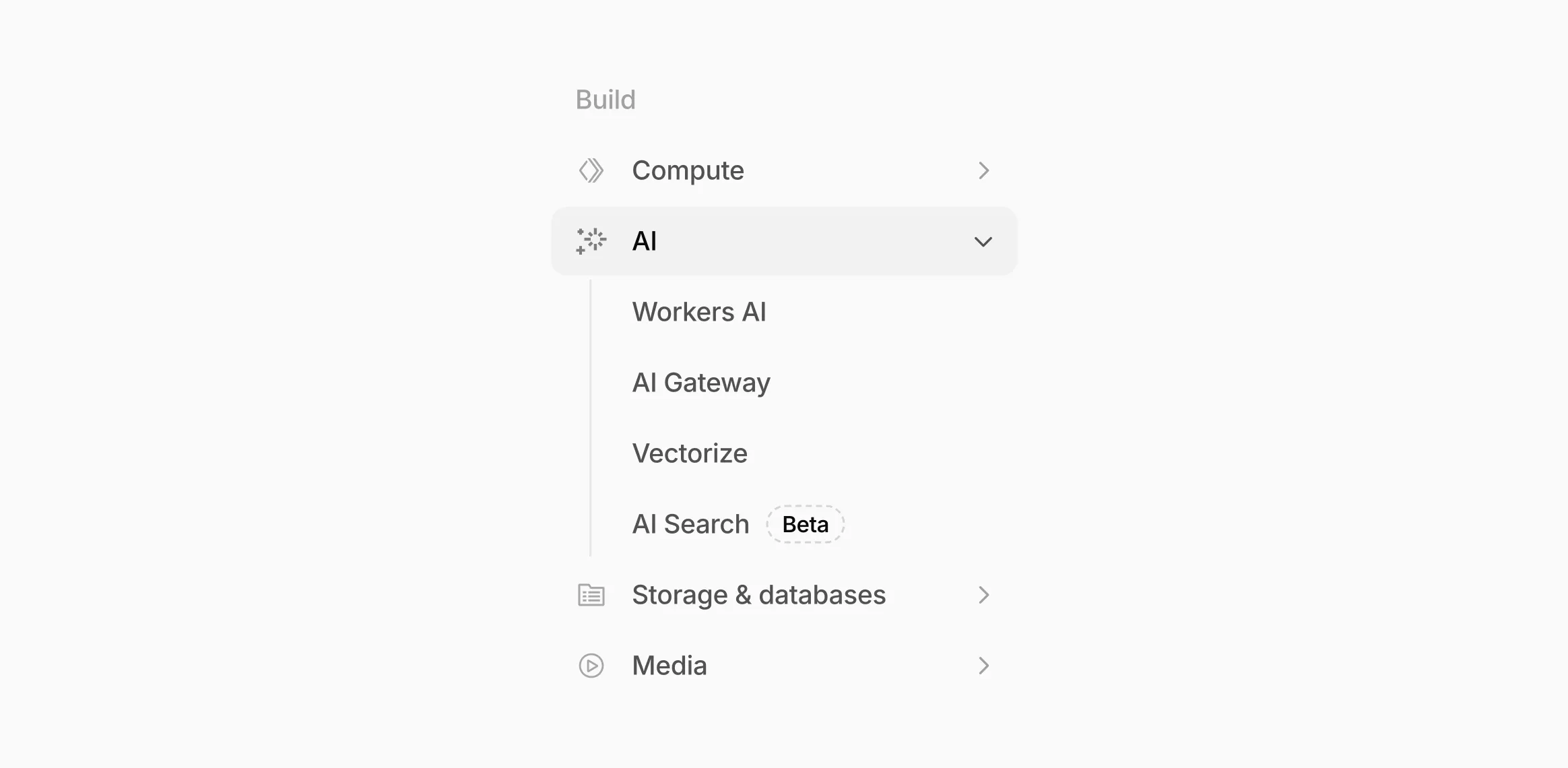 The new top-level AI section in the dashboard sidebar.
Onboarding and getting started
Getting started with AI Gateway is now simpler. When you create your first gateway, we now show your gateway's OpenAI-compatible endpoint and step-by-step guidance to help you configure it. The Playground also includes helpful prompts, and usage pages have clear next steps if you have not made any requests yet.
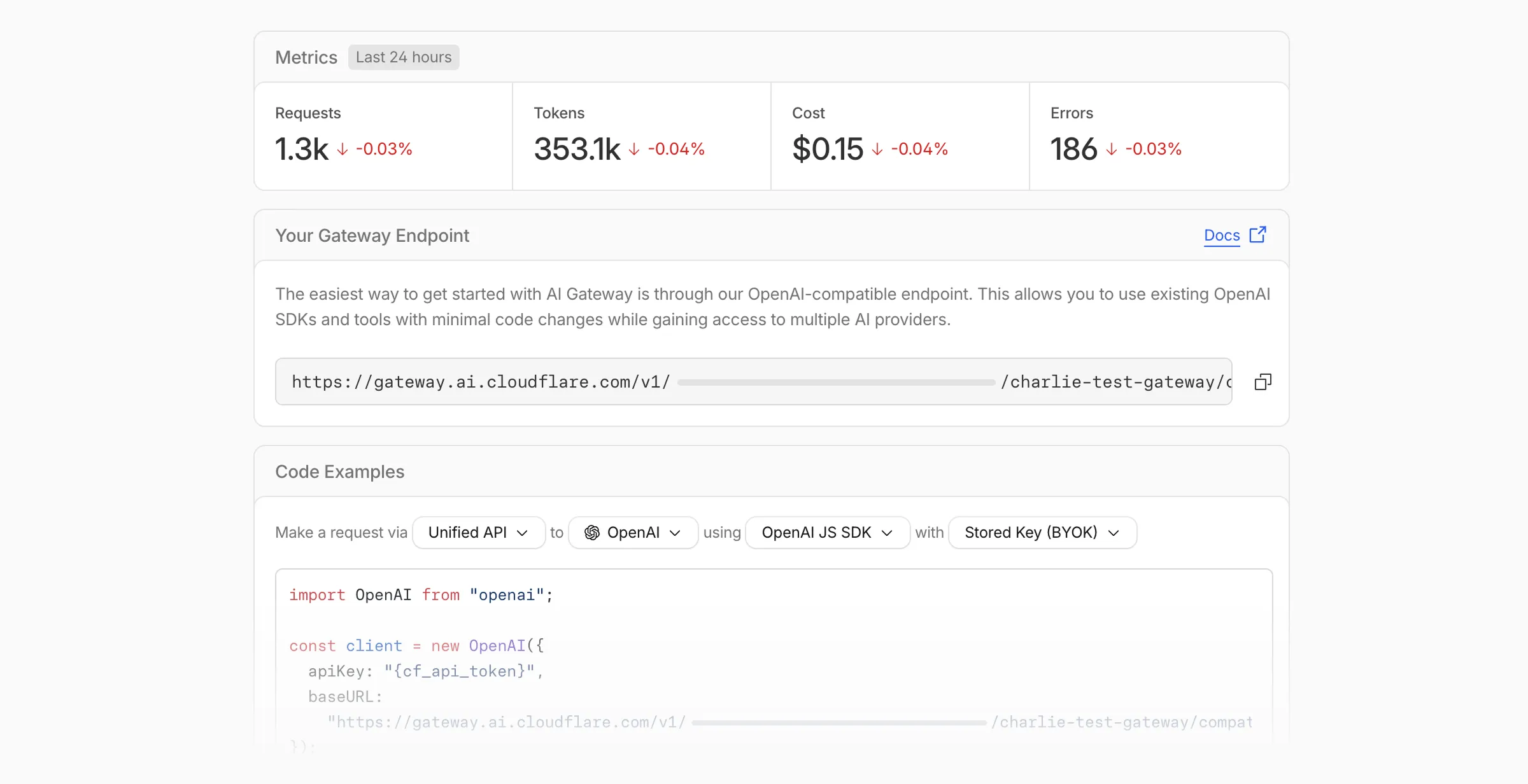 The first-run setup experience for new gateways.
We've also combined the previously separate code example sections into one view with dropdown selectors for API type, provider, SDK, and authentication method so you can now customize the exact code snippet you need from one place.
Dynamic Routing
- The route builder is now more performant and responsive.
- You can now copy route names to your clipboard with a single click.
- Code examples use the Universal Endpoint format, making it easier to integrate routes into your application.
Observability and analytics
- Small monetary values now display correctly in cost analytics charts, so you can accurately track spending at any scale.
Accessibility
- Improvements to keyboard navigation within the AI Gateway, specifically when exploring usage by provider.
- Improvements to sorting and filtering components on the Workers AI models page.
For more information, refer to the AI Gateway documentation.
Source: original entry ↗
More from Cloudflare
Follow Cloudflare to get its new changes in your feed and email digest.
Cloudflare One Client for macOS 2026.8.2100.0
GA release for macOS Cloudflare One Client with improved split tunnel handling that no longer briefly blocks traffic during reconnects, support for non-RFC 1918 local IPv4 networks, faster connects with lower memory use, and numerous reliability fixes across DNS, reauthentication, and client stability.
Cloudflare One Client for Windows 2026.8.2100.0
This GA release improves split tunnel reliability, adds support for non-RFC 1918 local networks, optimizes connection performance with faster reconnections and lower memory usage, and includes numerous bug fixes for DNS, registration, and network handling. The client now features a service recovery mechanism that automatically restarts on system unlock and better handles large hosts files without blocking traffic.
Cloudflare One Client for Linux 2026.8.2100.0
New GA release for Linux with improved split tunnel handling that no longer briefly blocks traffic during reconnects, support for non-RFC 1918 local IPv4 networks, faster tunnel reconnections, and lower memory usage. Includes numerous stability and reliability fixes for DNS, reconnection behavior, and crash issues.