Log Explorer - Contextual pivots
Log Explorer now supports contextual pivots from search results to other Cloudflare dashboard areas, enabling direct investigation of IP addresses, JA3 fingerprints, error codes, and Gateway policies without leaving your logs.
Directly from Log Search results, customers can pivot to other parts of the Cloudflare dashboard to immediately take action as a result of their investigation.
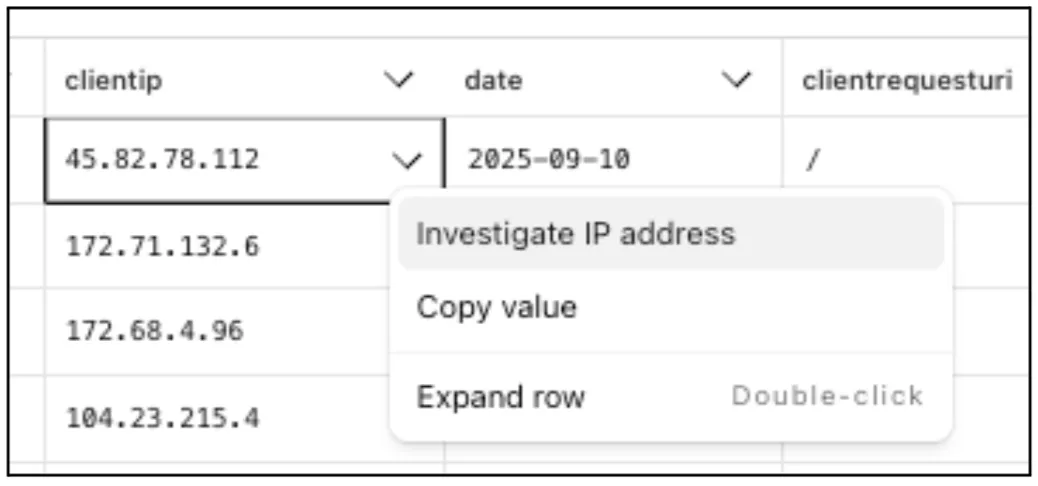
From the http_requests or fw_events dataset results, right click on an IP Address or JA3 Fingerprint to pivot to the Investigate portal to lookup the reputation of an IP address or JA3 fingerprint.
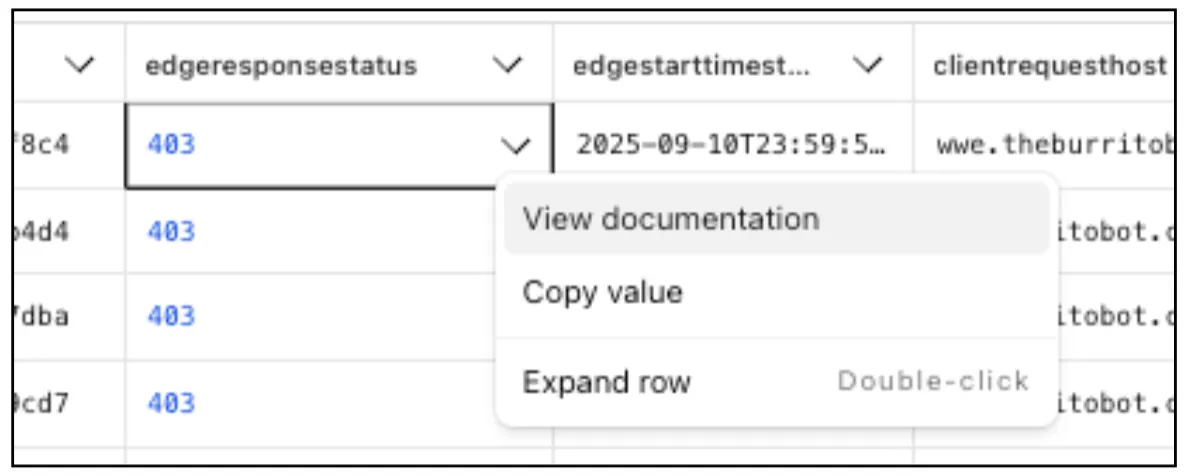
Easily learn about error codes by linking directly to our documentation from the EdgeResponseStatus or OriginResponseStatus fields.
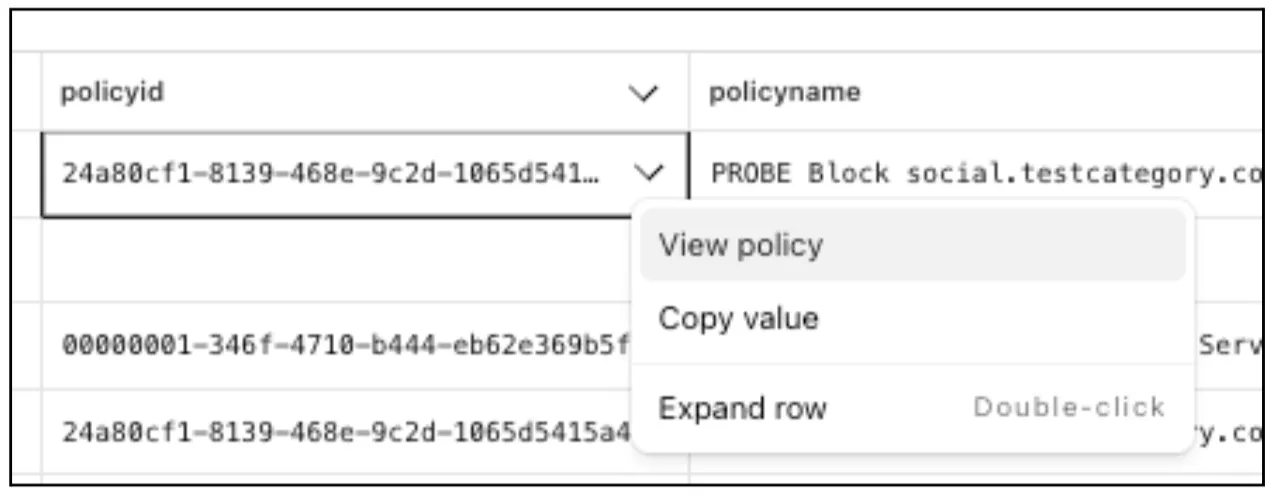
From the gateway_http dataset, click on a policyid to link directly to the Zero Trust dashboard to review or make changes to a specific Gateway policy.
Source: original entry ↗
More from Cloudflare
Follow Cloudflare to get its new changes in your feed and email digest.
Cloudflare One Client for Windows hotfix - trusted certificate chains
A new GA release for Windows Cloudflare One Client is available, addressing an issue with building trusted certificate chains.
Cloudflare One Client for macOS - Trusted Certificate Chain Fix
A new GA release of the macOS Cloudflare One Client is available. This hotfix addresses an issue with building trusted certificate chains.
Cloudflare One Client for Linux
A new GA release of Cloudflare One Client for Linux is now available. This hotfix addresses an issue with building trusted certificate chains.