Magic Firewall - Search custom rules by name and ID
The Magic Firewall dashboard now allows searching custom rules by rule name and/or ID, with rule ID URL links added to Network Analytics for easier rule identification and filtering.
The Magic Firewall dashboard now allows you to search custom rules using the rule name and/or ID.
- Log into the Cloudflare dashboard ↗ and select your account.
- Go to Analytics & Logs > Network Analytics.
- Select Magic Firewall.
- Add a filter for Rule ID.
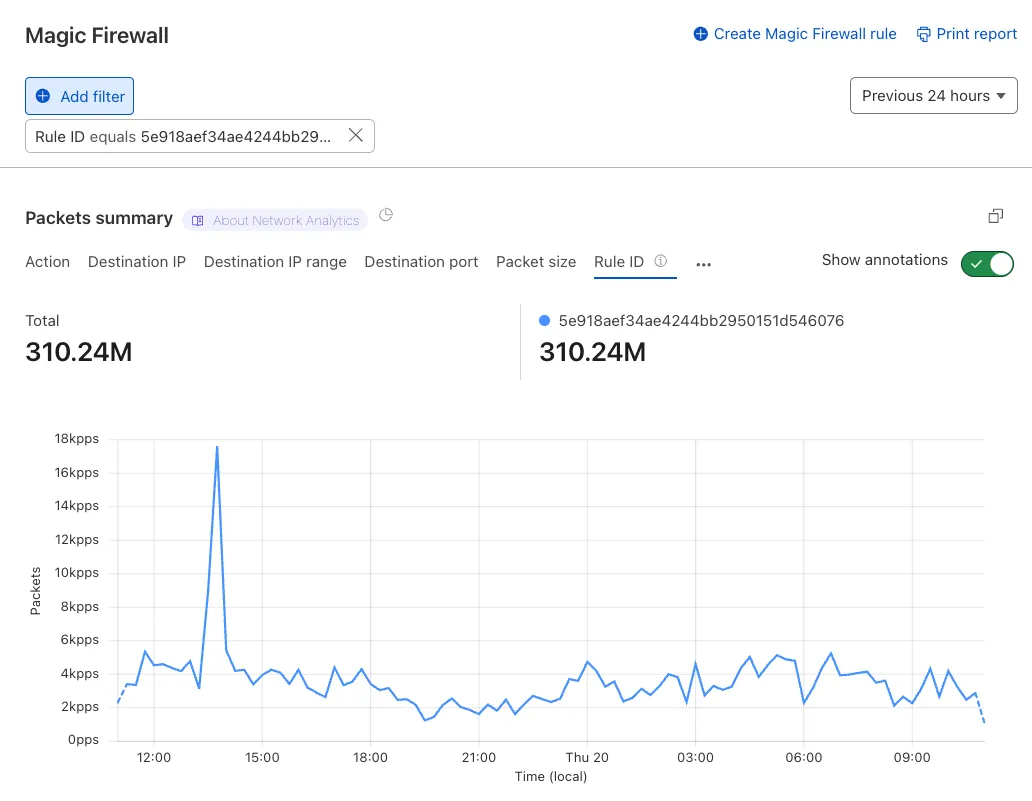
Additionally, the rule ID URL link has been added to Network Analytics.
Source: original entry ↗
More from Cloudflare
Follow Cloudflare to get its new changes in your feed and email digest.
Cloudflare One Client for Windows hotfix - trusted certificate chains
A new GA release for Windows Cloudflare One Client is available, addressing an issue with building trusted certificate chains.
Cloudflare One Client for macOS - Trusted Certificate Chain Fix
A new GA release of the macOS Cloudflare One Client is available. This hotfix addresses an issue with building trusted certificate chains.
Cloudflare One Client for Linux
A new GA release of Cloudflare One Client for Linux is now available. This hotfix addresses an issue with building trusted certificate chains.